What Are Store Themes
Store Themes define the layout and design of your product pages, allowing you to choose a style that fits your brand and attracts your customers. Mnasati offers a variety of professional, ready to use themes to suit different store needs.
Why Themes Matter
Choosing the right template has a significant impact on customer experience and sales:
· First Impression: The product page layout is the first thing your customer sees.
· Easy Navigation: A well-designed theme helps customers find what they’re looking for effortlessly.
· Professionalism: A clean and organized design builds customer trust.
· Product Fit: Each product type requires a different presentation style
How to Access Store Templates Settings on Mnasati
1. Log in to your store’s Dashboard on Mnasati.
2. From the right side of the screen, select the Settings section.
3. A menu will appear—choose Themes.
4. A window will then appear displaying several available themes.
Available Themes on Mnasati
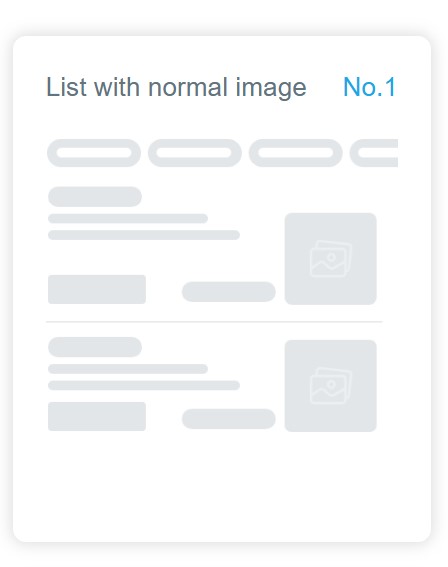
1. List with Normal Image
Design Description:
• Displays products in a vertical list.
• Medium-sized product image on the side.
• Product information (name, price, description) displayed next to the image.
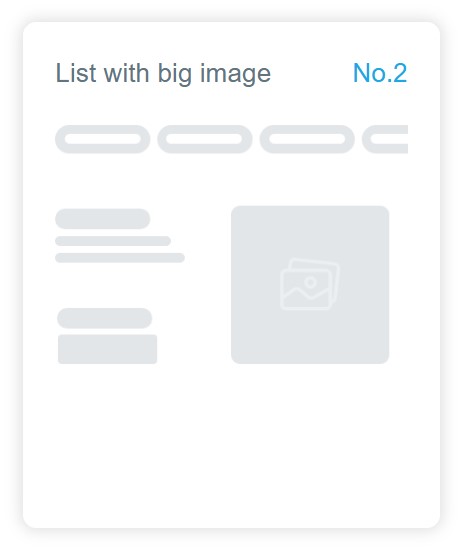
2. List with big Image
Design Description:
• Displays products in a list format.
• Large, prominent product image.
• Minimal information next to the image.
• Focuses on strong visual appeal.
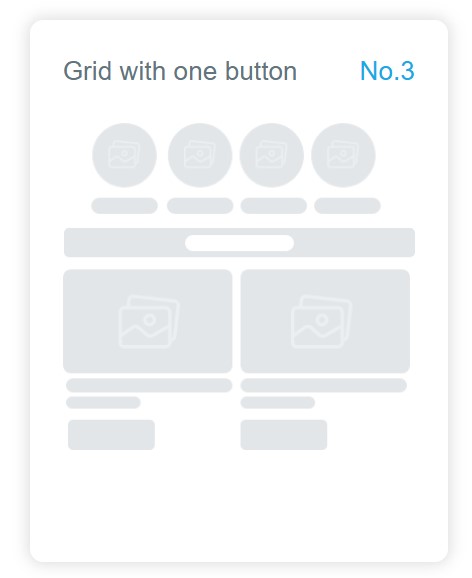
3. Grid with One Button
Design Description:
• Displays products in a grid (rows and columns).
• Circles at the top (possibly for categories).
• Large image for each product.
• One action button (e.g., “Add to Cart”).
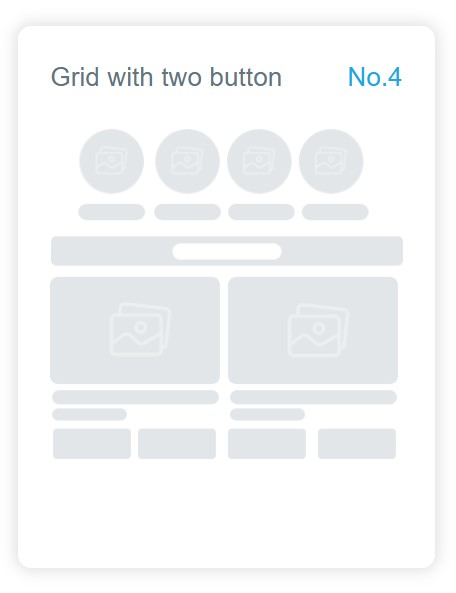
4. Grid with Two Buttons
Design Description:
• Similar to Template #3.
• Includes two action buttons per product.
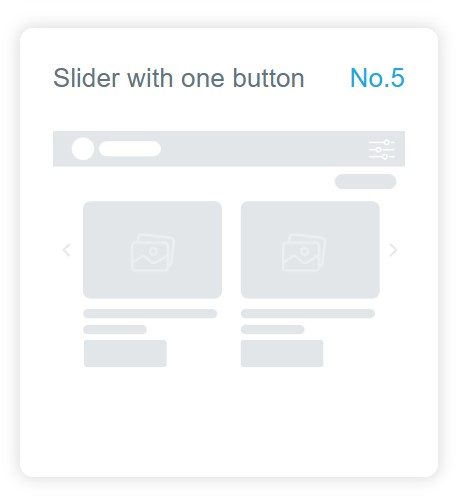
5. Slider with One Button
Design Description:
• Displays products in a horizontal slider.
• Customers can swipe right or left to view more.
• Large image for each product.
• One action button.
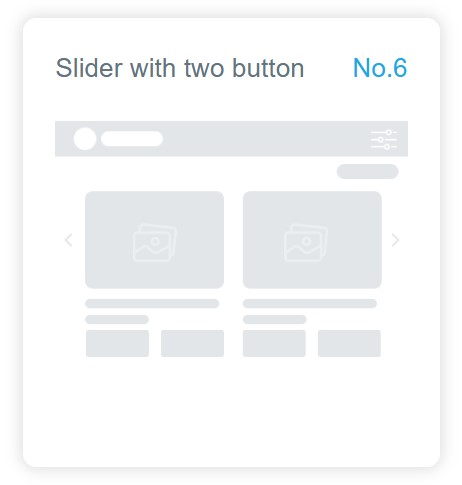
6. Slider with Two Buttons
Design Description:
• Similar to Template #5.
• Includes two action buttons per product.